iCloud Family Storage Sharing — Is It Worth It?
Apple lets you share iCloud storage with your family. But is iCloud Family Sharing worth it? Here's an honest breakdown of the costs and benefits.

Apple's Family Sharing lets up to six people share one iCloud storage plan. Sounds great in theory — but is it actually worth it? Here's the honest answer.
How iCloud Family Storage Sharing Works
With Apple's 200GB or 2TB iCloud plans you can share your storage with up to five family members via Family Sharing. Each person uses storage from the shared pool but keeps their own private iCloud account — no one can see each other's photos or files.
The family organiser pays for the plan and everyone draws from the same storage bucket.
The Plans That Support Family Sharing
Only the larger plans support sharing (Australian pricing, as of July 2026):
- 50GB — $1.49/month — cannot be shared
- 200GB — $4.49/month — can be shared with family ✅
- 2TB — $14.99/month — can be shared with family ✅
When Family Sharing Makes Sense
It's worth it if:
- You have 2-6 family members all paying for separate iCloud plans
- The combined cost of individual plans exceeds the shared plan cost
- Everyone in your family actively uses iCloud Photos and backup
Example: If you and your partner both pay for 50GB plans ($1.49 × 2 = $2.98/month), upgrading to a shared 200GB plan at $4.49/month gives you both 4× more storage for only $1.51 more per month. That's excellent value.
When Family Sharing Doesn't Make Sense
It's not worth it if:
- Family members have very different storage needs
- Some members don't use iCloud heavily
- You're already managing storage carefully with archiving
The risk is one family member's large library consuming the shared pool and leaving others with no space.
The Hidden Problem With Shared Storage
Shared storage still grows over time. As everyone takes more photos and videos, the pool fills up — and upgrading affects everyone's cost.
The smarter approach is combining Family Sharing with regular photo archiving:
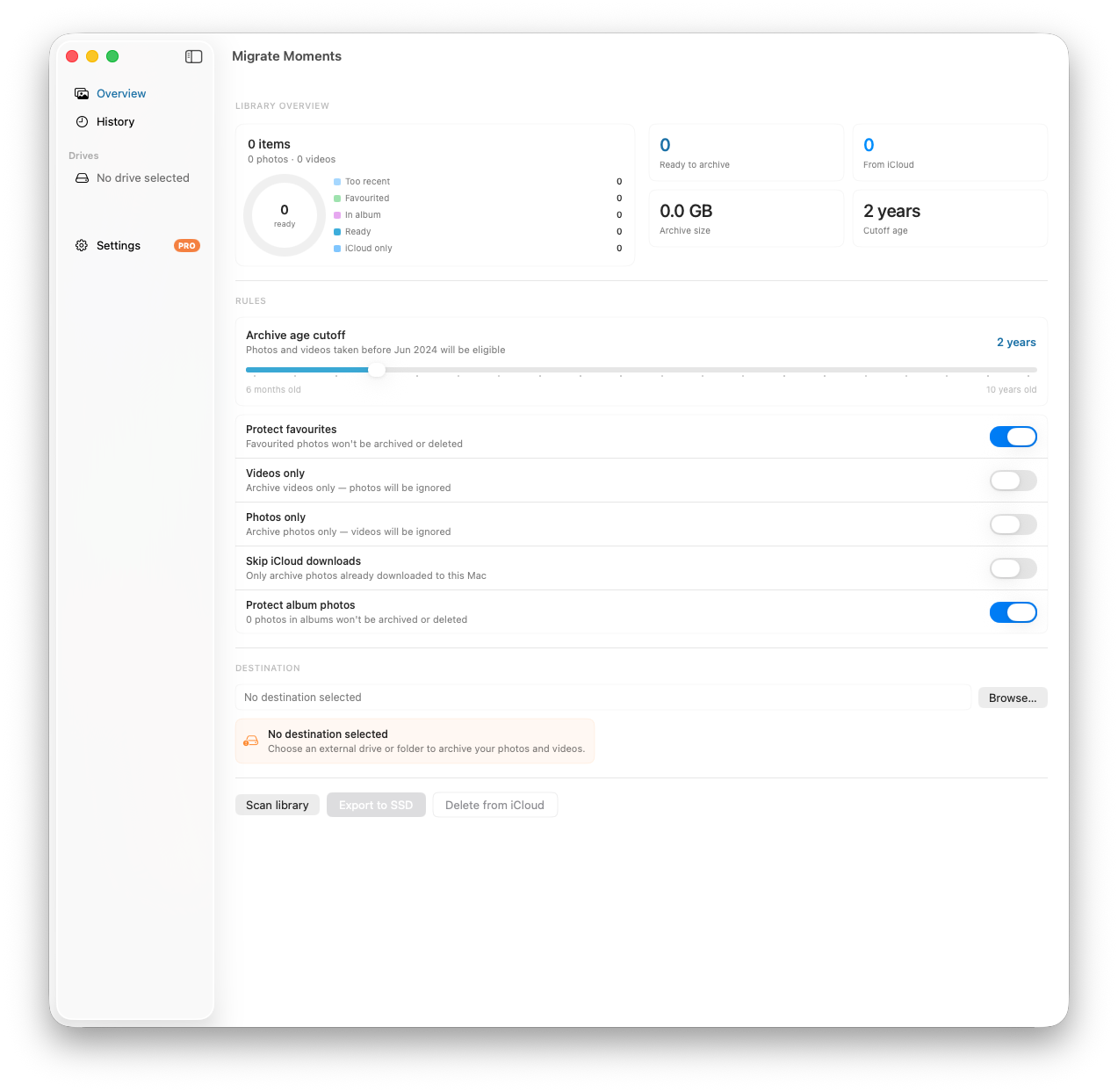
Each family member with a Mac can use Migrate Moments to archive their older photos to an external drive — keeping their individual usage of the shared pool low. This means the family can stay on a smaller shared plan for longer.
How to Set Up Family Storage Sharing
- Go to Settings → your name → Family Sharing
- Set up Family Sharing if not already done
- Go to Settings → your name → iCloud → Manage Storage
- Tap Change Storage Plan
- Select 200GB or 2TB
- Toggle on Share with Family
Family members receive an invitation to join the shared plan.
How to Monitor Who's Using What
As the organiser you can see each family member's storage usage:
- Go to Settings → your name → iCloud → Manage Storage
- You'll see a breakdown by family member
This helps identify if one person is consuming a disproportionate amount.
The Bottom Line
Family Sharing is worth it if multiple family members are already paying for iCloud storage separately. It's not a magic solution — the storage still fills up — but combined with regular archiving using Migrate Moments, it's the most cost-effective way to manage iCloud storage for a family.
Related articles
Ready to free up your iCloud storage?
Download Migrate Moments free — scan your library in minutes.
