iCloud Photos Is Too Expensive: The Best Alternatives in 2026
Comparing Google Photos, Amazon Photos, and local storage as cheaper alternatives to iCloud for storing your photo library.

If you've looked at your iCloud storage bill recently and wondered whether you're overpaying, you probably are. iCloud is convenient, but it's not cheap — and there are alternatives that cost less, offer more storage, or both.
Here's an honest comparison of the main options in 2026.
What iCloud Actually Costs
Apple charges for iCloud storage on a monthly basis (Australian pricing, as of July 2026):
| Plan | Monthly | Annual |
|---|---|---|
| 5GB | Free | Free |
| 50GB | A$1.49 | A$17.88 |
| 200GB | A$4.49 | A$53.88 |
| 2TB | A$14.99 | A$179.88 |
For most people who've been taking iPhone photos for more than a few years, 200GB or 2TB is what they're actually using — and that's where the cost adds up.
Alternative 1: Google Photos

Google Photos is the most direct competitor to iCloud Photos. It works on iPhone, Android, Mac, PC, and any browser.
Storage costs:
| Plan | Storage |
|---|---|
| Free tier | 15GB, shared with Gmail and Drive |
| Paid plans | Via Google One — see current Australian pricing |
Google reworked its consumer plans during 2026: the older Basic/Standard/Premium tiers were replaced by a lineup built around Google AI Plus and AI Pro, with different storage attached to each. Rather than quote figures that may already have moved, check Google's own pricing page and compare it against the iCloud figures above.
What Google Photos does well:
- Search is exceptional — find photos by what's in them ("beach 2019", "birthday cake", "my dog")
- Shared libraries work well for families
- Available on every platform, not just Apple
- Google Lens integration for identifying objects in photos
What it doesn't do as well as iCloud:
- Integration with Apple devices is less seamless — no lock screen widgets pulling from Google Photos, no Apple Watch integration
- HEIC files are supported but conversion can sometimes happen
- No equivalent of iCloud's "Memories" that integrates with Apple's AI features
Best for: People who use both iPhone and Android, or who want to leave Apple's ecosystem eventually.
Alternative 2: Amazon Photos
Important for Australian readers: the unlimited photo storage that Amazon Photos is best known for is a Prime benefit in some markets — including the US and UK — but it is not offered to Prime members on Amazon.com.au. Australian Prime accounts get Amazon's standard free storage allowance, shared between photos and videos, with paid plans above that.
That makes Amazon Photos a much weaker iCloud alternative in Australia than most articles on this topic suggest. Check Amazon's current Australian terms before planning around it.
What Amazon Photos does well:
- Facial recognition and automatic organisation
- Desktop app for Mac
What it doesn't do as well:
- No unlimited photo tier for Australian Prime members
- The app and web interface aren't as polished as Google Photos or iCloud
- Search is less sophisticated than Google Photos
Best for: People already invested in Amazon's ecosystem in a market where the unlimited photo benefit applies. For most Australian readers, Google Photos or a local archive is the stronger option.
Alternative 3: External SSD
A one-time purchase of an external SSD gives you permanent local storage with no ongoing fees.
Typical costs:
- 1TB SSD: A$80–120
- 2TB SSD: A$150–200
- 4TB SSD: A$250–350
At iCloud 200GB pricing (A$53.88/year), a 2TB SSD pays for itself in under 3 years. At 2TB iCloud pricing (A$179.88/year), it pays for itself in about a year.
What external SSD does well:
- No ongoing fees
- Your data isn't dependent on a company's servers
- Fast local access — no download wait times
- Works offline
What it doesn't do as well:
- Not accessible from anywhere — you need the physical drive
- No search by content
- You have to manage backups yourself (if the drive fails, data is gone)
- Not practical for accessing photos on your phone
Best for: People who want a permanent archive backup and don't need cloud access.
The Hybrid Approach
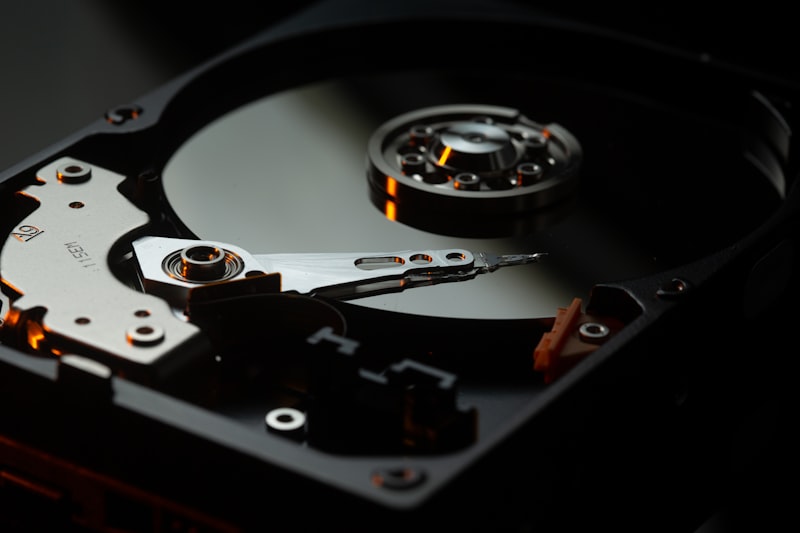
Many people find the best solution is a combination:
- Keep the last 2–3 years in iCloud for seamless iPhone integration and easy access to recent photos
- Archive everything older to Google Photos for searchable cloud access, and to an external drive for a physical backup
This lets you downgrade your iCloud plan significantly. If you've been paying for 2TB but move 5+ years of photos out, you might find 50GB is enough for your recent camera roll — dropping from A$179.88/year to A$17.88/year.
Migrate Moments for Mac is built exactly for this workflow. It exports photos older than a date you choose, sending them to Google Photos and/or your external drive, and after verifying the transfer, lets you safely delete them from iCloud.
Which Should You Choose?
- Staying in Apple ecosystem: Stay with iCloud, but archive old photos to Google Photos or external SSD to reduce the storage tier you need
- Switching to Android: Move everything to Google Photos now
- Want no ongoing fees: External SSD for archive, small iCloud plan for recent photos
- Already have Amazon Prime: check whether the unlimited photo benefit applies in your country before relying on it — it does not in Australia
The least efficient option is doing nothing — paying for maximum iCloud storage when a small amount of organisation could cut your bill significantly.
Download Migrate Moments for Mac →
Related articles
Ready to free up your iCloud storage?
Download Migrate Moments free — scan your library in minutes.
