What Happens to Your iCloud Photos When You Get a New iPhone
Getting a new iPhone and worried about your photos? Here's exactly what happens to your iCloud photo library when you upgrade your phone.
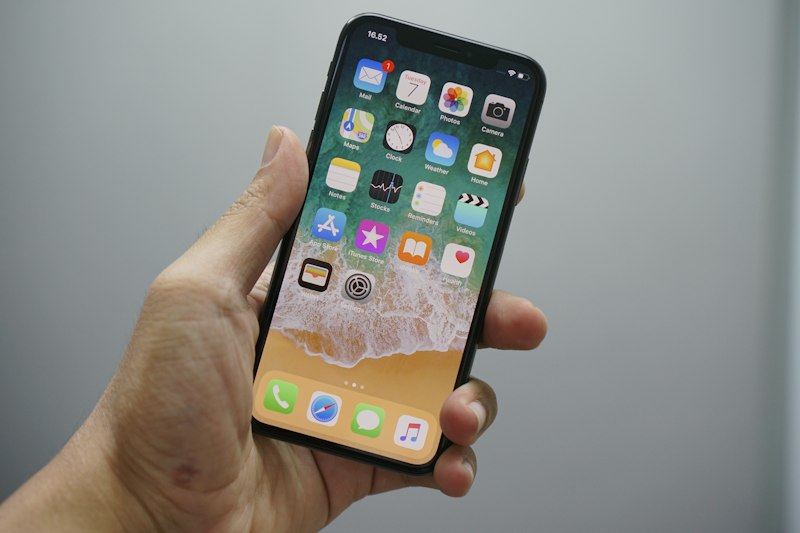
Getting a new iPhone is exciting — but it's also one of the moments people worry most about losing their photos. Here's exactly what happens and what you need to do.
The Short Answer
If you use iCloud Photos, your photos are completely safe when you get a new iPhone. They live in iCloud, not on your old phone, so switching devices doesn't affect them at all.
How iCloud Photos Works Across Devices
iCloud Photos stores your originals in the cloud and syncs them across all your Apple devices. Your photos aren't stored on your iPhone — your iPhone just shows you previews of what's in iCloud.
When you get a new iPhone and sign in with the same Apple ID, your entire photo library appears automatically. Nothing needs to be transferred manually.
Setting Up Your New iPhone
Option 1 — Restore from iCloud Backup
- Turn on your new iPhone
- Follow the setup steps
- Choose Restore from iCloud Backup
- Sign in with your Apple ID
- Select your most recent backup
- Wait for the restore to complete
Your photos, apps, settings and data all come back automatically.
Option 2 — Transfer Directly from Old iPhone
- Put both iPhones next to each other
- Follow the Quick Start prompts that appear
- Everything transfers directly via Wi-Fi or cable
Option 3 — Set Up as New If you set up as a new iPhone and sign in with the same Apple ID, your iCloud Photos library will still appear — it just takes a few minutes to load.
What if You Don't Use iCloud Photos?
If iCloud Photos is turned off, your photos are stored locally on your iPhone — not in the cloud. In this case you need to manually back up before getting a new phone:
- Connect your iPhone to your Mac
- Open Finder and click your iPhone
- Click Back Up Now
- Transfer the backup to your new iPhone during setup
Before You Trade In Your Old iPhone
Before handing over your old phone make sure:
- Your iCloud backup is up to date — Settings → your name → iCloud → iCloud Backup → Back Up Now
- All photos have finished uploading to iCloud — Photos → ... → check no uploads pending
- Sign out of iCloud on the old phone — Settings → your name → Sign Out
Is It Worth Archiving Old Photos Before Upgrading?
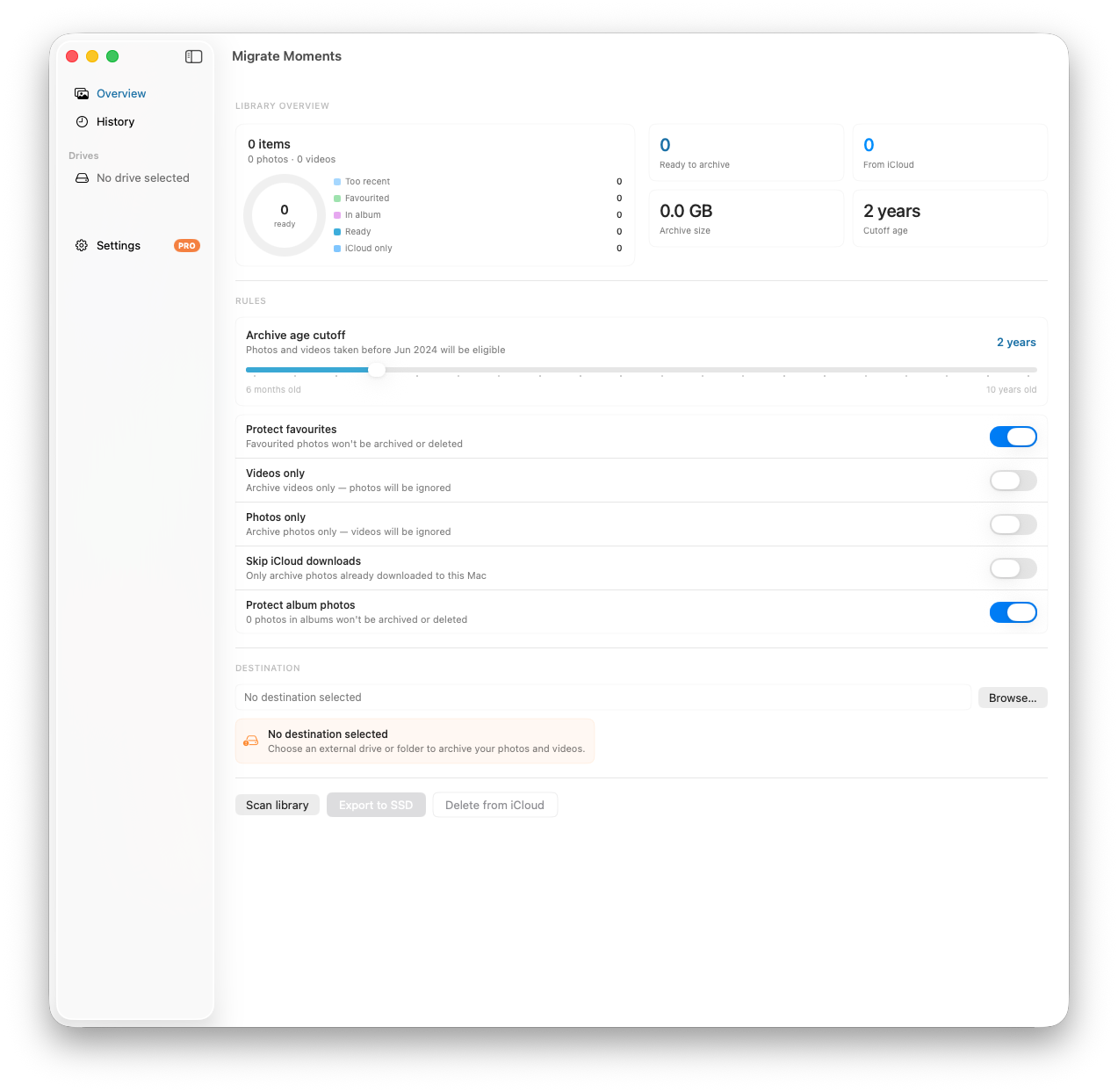
Getting a new iPhone is a great time to do a photo audit. Use Migrate Moments to archive photos older than 2 years to an external drive before your upgrade — it keeps your new iPhone's iCloud library lean from day one.
Related articles
Ready to free up your iCloud storage?
Download Migrate Moments free — scan your library in minutes.
