What Happens to Your Photos if You Cancel iCloud?
Thinking about cancelling your iCloud subscription? Here's exactly what happens to your photos — and how to make sure you don't lose anything.
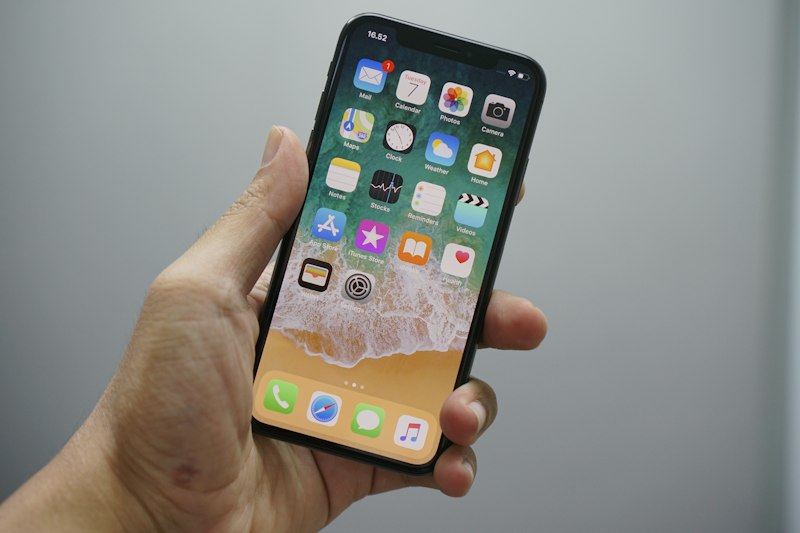
Cancelling iCloud storage is tempting — especially when the bill keeps going up. But many people worry: what actually happens to their photos?
Here's the honest answer.
What Happens When iCloud Storage Runs Out or is Cancelled
When your iCloud storage plan expires or you cancel, your account reverts to the free 5GB tier. Here's what that means:
- Your photos are not immediately deleted — Apple gives you a grace period
- New photos stop backing up — your iPhone stops uploading new photos to iCloud
- iCloud Drive stops syncing — files won't update across devices
- Email may stop working — if you use iCloud Mail
Will You Lose Your Photos?
Not immediately. Apple typically gives 30 days before taking any action on your data. However if your storage remains over the free limit for an extended period, Apple may eventually delete data.
More importantly — if you have iCloud Photos turned on and your photos are stored only in iCloud and not downloaded to your devices, cancelling puts those photos at risk long-term.
How to Safely Cancel iCloud and Keep Your Photos
Before cancelling or downgrading, make sure your photos are safely stored elsewhere:
- Download all originals to your Mac using Migrate Moments or the Photos app
- Verify they are on your external drive before making any changes
- Turn off iCloud Photos on your iPhone
- Then downgrade or cancel your iCloud plan
This ensures every photo is safely in your possession before you change anything.
The Smart Alternative to Cancelling
Instead of cancelling outright, consider:
- Archiving old photos to an external SSD with Migrate Moments
- Dropping from 200GB to the free 5GB tier
- Saving $50+ per year while keeping all your memories
You don't have to choose between paying forever and losing your photos. Archive first, then cancel.
Related articles
- How to free up iCloud storage without losing a single photo
- How to stop paying for iCloud storage every month
- Best external SSDs for Mac photo backup in 2026
- What happens to your photos if you cancel iCloud?
Frequently asked questions
Will Apple delete my photos if I cancel iCloud? Not immediately. Apple gives a grace period — typically 30 days — before taking action on data that exceeds the free 5GB limit. Always download your photos before cancelling.
Can I get my photos back after cancelling iCloud? If you cancelled recently and photos are still in iCloud, you may be able to resubscribe and recover them. Act quickly — Apple's grace period varies.
What is the safest way to cancel iCloud? Download all your photos first using Migrate Moments, verify they're on your external drive, turn off iCloud Photos on all devices, then cancel or downgrade your plan.
Do photos in Recently Deleted get deleted when I cancel? Photos in Recently Deleted are already scheduled for permanent deletion after 30 days regardless of your subscription status.
Can I use iCloud without paying? Yes — Apple's free tier gives you 5GB at no cost. By archiving old photos to an external drive you can often fit within the free tier permanently.
Ready to free up your iCloud storage?
Download Migrate Moments free — scan your library in minutes.
